Touch vs. Physical Buttons: Choosing Your Interface
When selecting a standing desk controller, one of the most visible and heavily interacted-with components is the keypad. The debate between capacitive touch interfaces and traditional physical, tactile buttons comes down to a balance of aesthetics, durability, and user experience.
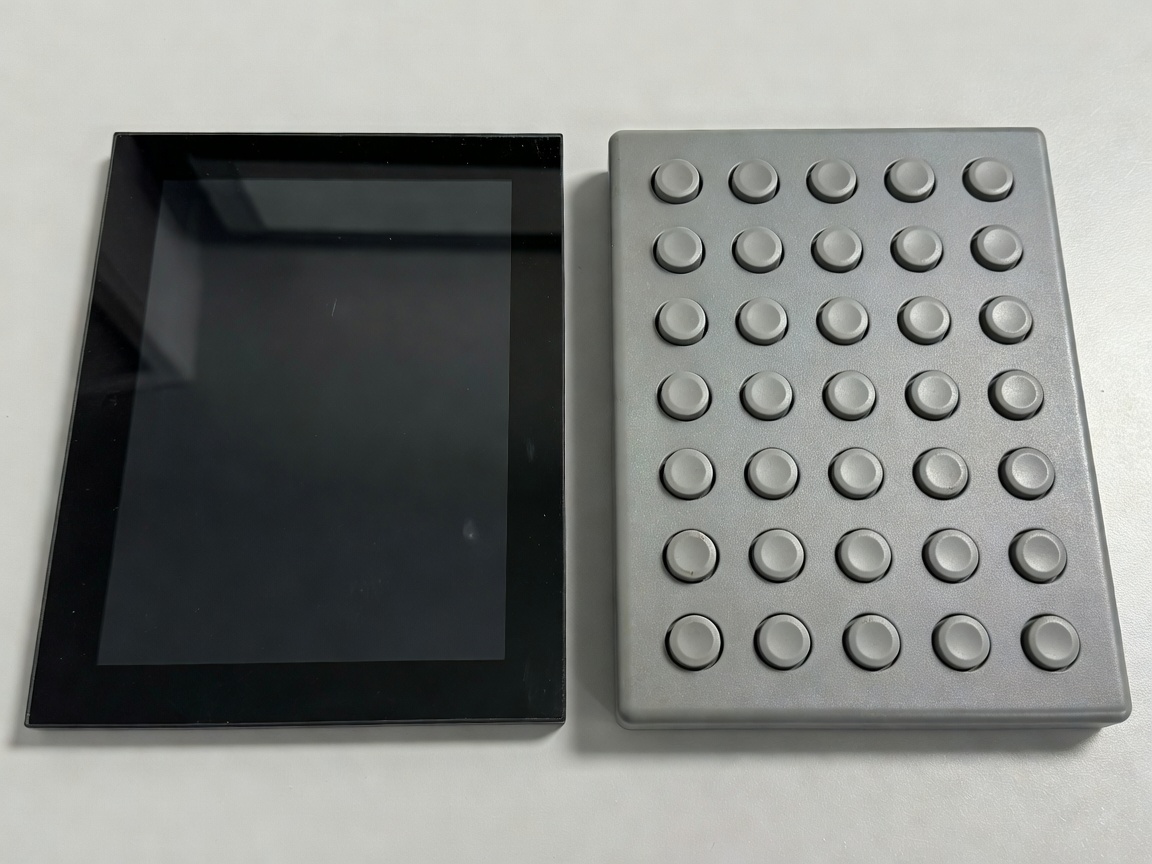
Capacitive Touch Controllers
Capacitive touch keypads function identically to modern smartphone screens. They detect the electrical properties of the human finger to register a press, entirely eliminating moving mechanical parts.
The Pros of Touch
- Aesthetics: Touch panels sit flush with their housing, offering a sleek, minimalist, and highly modern look that complements high-end office decor.
- Easy Cleaning: With a completely flat glass or acrylic surface, there are no crevices for dust, crumbs, or coffee spills to accumulate. A quick wipe sanitizes the entire unit.
- Durability of Components: Because there are no mechanical switches to wear out, the internal longevity of a capacitive sensor is theoretically higher.
The Cons of Touch
The primary drawback of touch keypads is the lack of tactile feedback. You cannot adjust the desk "blind." To press a preset button, you must look away from your monitor and down at the keypad to ensure your finger is in the correct spot. Furthermore, capacitive panels can sometimes be overly sensitive, registering false presses if a cable lightly brushes against them, or unresponsive if your fingers are wet or you are wearing gloves.
Physical Push Buttons
Physical button keypads utilize mechanical micro-switches or rubber dome switches beneath plastic or rubberized caps.
The Pros of Physical Buttons
- Blind Operation: Physical buttons offer distinct ridges, varied shapes, and a satisfying 'click' when actuated. Muscle memory quickly allows users to reach down, feel for preset '1', and press it without ever looking away from their work.
- Reliability in all Conditions: Physical switches do not care about skin moisture, ambient humidity, or static electricity. They trigger precisely when mechanically depressed.
- Prevention of Accidental Activation: It requires intentional physical force to press a button, drastically reducing the chance of a stray elbow or cable triggering a desk movement.
The Cons of Physical Buttons
Physical buttons are prone to physical wear. Over tens of thousands of presses, the printed numbers can fade, and the mechanical switches can lose their springiness. Aesthetically, they can appear slightly more dated and industrial compared to seamless glass touchscreens.
The Verdict
If maintaining a pristine, ultra-modern aesthetic is your top priority, a capacitive touch keypad is the logical choice. However, for sheer ergonomic utility, speed, and reliable blind-operation during deep work sessions, traditional physical buttons remain the superior, professional-grade interface for standing desk controllers.