Installation & Compatibility: Upgrading Your Keypad
Many users start with a basic two-button standing desk and eventually realize they want the convenience of memory presets or digital height readouts. The question then becomes: Can I just buy a new keypad and plug it in? The answer is complex, as the world of standing desk controllers lacks universal standardization.
Understanding the OEM Ecosystem
While there are dozens of standing desk brands on the market, the vast majority source their electronic control boxes and motors from a handful of Original Equipment Manufacturers (OEMs). The biggest players include Jiecang, TiMotion, Linak, and Loctek. Generally, a keypad manufactured for a Jiecang control box will not communicate with a TiMotion control box, even if the physical plug fits.
The control box dictates the communication protocol. The keypad is essentially a dumb terminal that sends digital logic signals to the central brain. If the brain doesn't understand the keypad's specific language, the desk will throw an error code or simply not respond.
Common Connector Types (Pinouts)
When attempting an upgrade, the first visual check is the connector type routing from the keypad to the control box:
| Connector Type | Commonly Found In | Compatibility Note |
|---|---|---|
| RJ45 (8-pin Ethernet style) | Jiecang, TiMotion, LogicData | Most common, but pin wiring varies wildly between brands. Do not assume universal compatibility. |
| DIN 5-Pin or 8-Pin | Older models, some Linak systems | Circular connector. Often requires proprietary manufacturer upgrades. |
| HS (Proprietary modular plugs) | Premium commercial frames | Highly restricted. Parts must be ordered directly from the desk brand. |
How to Proceed with an Upgrade
If you wish to upgrade from a basic switch to a memory controller, follow these steps to ensure compatibility:
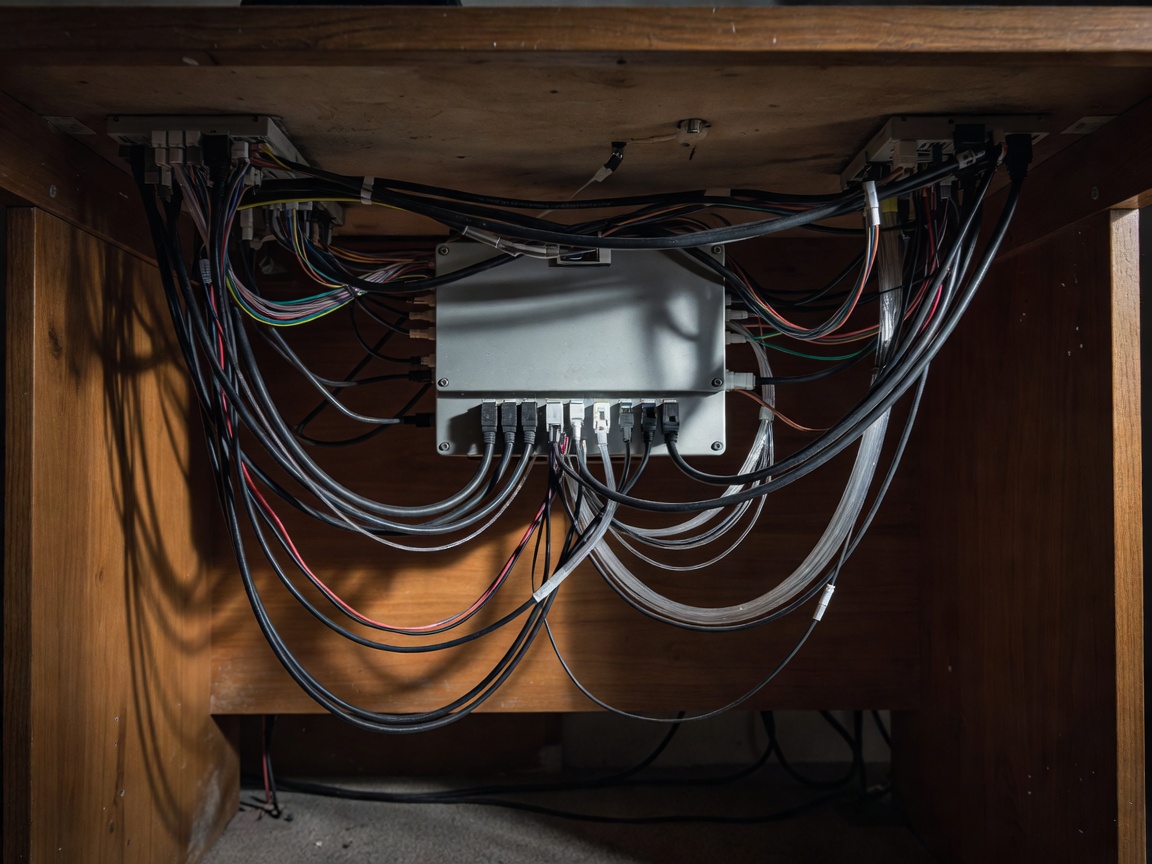
- Identify your Control Box: Crawl under your desk and locate the main black plastic box where the motor cables plug in. Look for a sticker identifying the OEM (e.g., Jiecang model JCB35N).
- Contact the Desk Seller: The safest route is to ask the retailer who sold you the desk if they offer an upgraded handset for your specific batch.
- Match the Protocol: If buying aftermarket, ensure the seller explicitly lists your control box model as compatible. Just having an RJ45 plug is not enough; the internal wiring (Rx/Tx communication pins) must match.
Installation Best Practices
Once you have a compatible replacement controller, installation is straightforward. Unplug the desk from wall power to prevent short circuits. Remove the wood screws securing the old keypad, unplug it from the control box, route the new cable, plug it in, and secure the new keypad. After restoring power, you will almost certainly need to perform a factory reset procedure (usually holding the down button until the desk bottoms out and rebounds slightly) to calibrate the new handset with the control box.