Anti-Collision Sensors: Protecting Your Gear and Workspace
A motorized standing desk can exert hundreds of pounds of lifting force. Without proper safety mechanisms, lowering a desk onto a filing cabinet or raising it into a window sill can cause catastrophic damage to the desk frame, the motors, and your expensive office equipment. This is where advanced anti-collision technology integrated into the desk controller becomes critical.
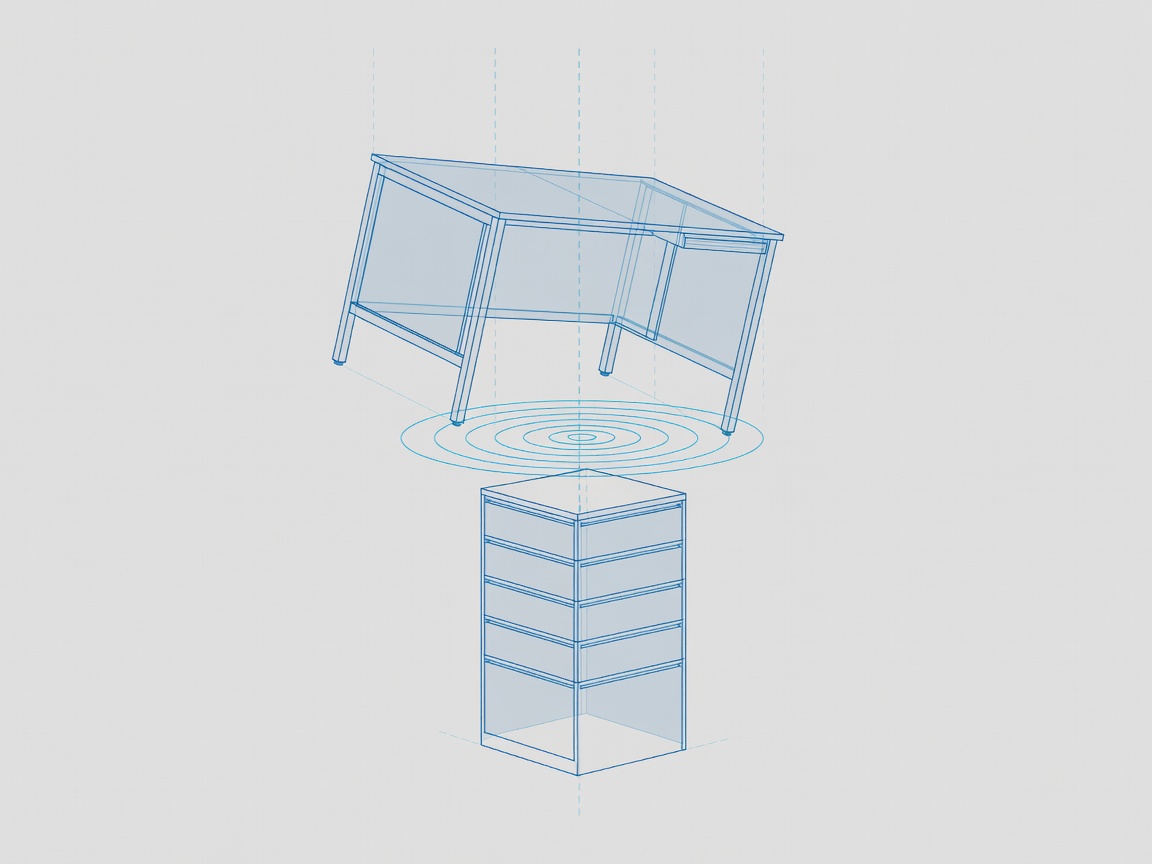
The Evolution of Anti-Collision Technology
Early standing desks had virtually no collision detection, relying entirely on the user releasing the button when an obstacle was hit. As automated "one-touch" memory presets gained popularity, the industry realized that unattended movement required robust safety protocols. Today, there are two primary methods used by control boxes to detect collisions:
1. Current Sensing (Amperage Spike Detection)
This is the older and more common baseline technology. The control box continuously monitors the electrical current (amperage) being drawn by the leg motors. If the desk hits a solid object—like a sturdy drawer unit—the motors have to work significantly harder to continue moving. This causes a sudden, measurable spike in current draw.
When the controller's logic board detects this spike exceeding a pre-set threshold, it immediately cuts power to the motors and usually reverses direction by about an inch to relieve the pressure. While effective against rigid, heavy objects, current sensing is notoriously bad at detecting soft collisions (like a chair back or a hand) because those objects compress before causing a significant motor load spike.
2. Gyroscopic (Six-Axis) Sensors
Modern premium controllers have shifted toward integrating a dedicated 6-axis gyroscope—often embedded in the control box or a dongle. Instead of monitoring power draw, the gyroscope physically measures the desk's levelness and acceleration in real-time.
If one side of the desk hits an obstacle, that side slows down while the other continues, causing the desktop to tilt slightly. The gyroscope detects this tilt (even a fraction of a degree) instantly. Because it doesn't require a buildup of motor resistance, gyroscopic collision detection is vastly more sensitive. It can stop a desk before it tips a cup of coffee or crushes a soft item.
Calibration and Sensitivity Settings
One of the hidden features of many modern keypads is the ability to adjust the collision sensitivity. Because gyroscopes are so precise, heavy typing or leaning heavily on the desk while adjusting it can sometimes trigger a false positive, stopping the desk unexpectedly.
Most advanced controllers allow the user to enter a programming mode (usually by holding a specific combination of buttons) to cycle through high, medium, and low sensitivity profiles, or turn the feature off entirely. For users with uneven floors or particularly wobbly monitor arms, dropping the sensitivity to medium often provides the perfect balance between safety and uninterrupted operation.
Why It Matters
Investing in a controller with gyroscopic anti-collision is highly recommended if you have children or pets in the home, or if you plan to use one-touch express memory presets frequently. The peace of mind knowing the mechanism will halt safely is well worth the premium over basic current-sensing models.